Printer Troubleshooting
Printer Stops Working After Sleep, Restart, or a Windows Update
Troubleshoot printing failures after sleep, restart, docking, or updates with repeatable tests and targeted USB, network, and queue checks.
Printer Troubleshooting
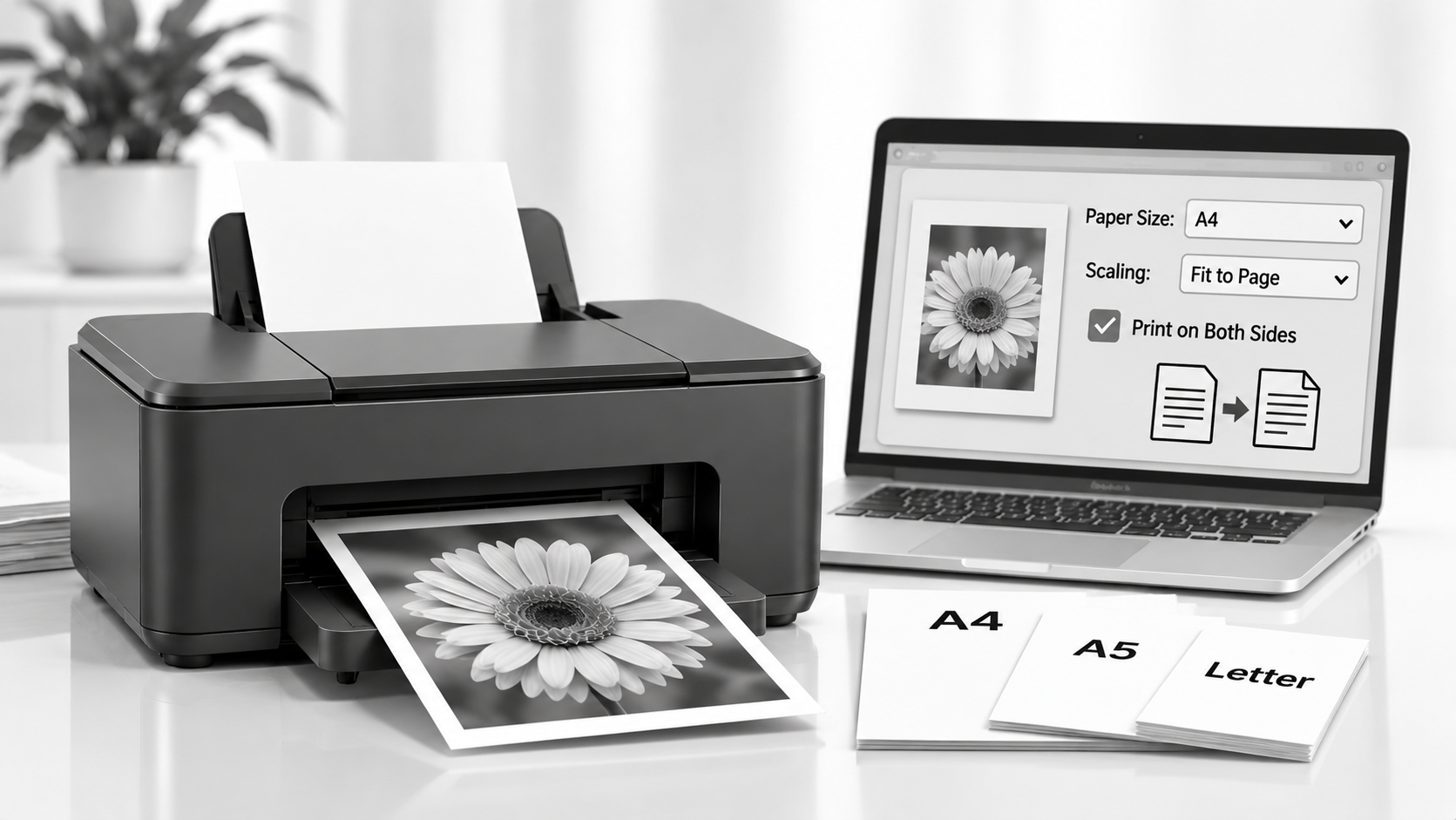
Fix Paper Size, Scaling, and Double-Sided Printing Problems
Fix paper mismatch, clipped output, scaling, and double-sided printing by aligning document, application, driver, and tray settings.
Printer Troubleshooting
Why Your Printer Is Printing Slowly and How to Improve It
Find the cause of slow printing by comparing first-page delay, quality settings, document complexity, queue activity, and connection speed.
Printer Troubleshooting
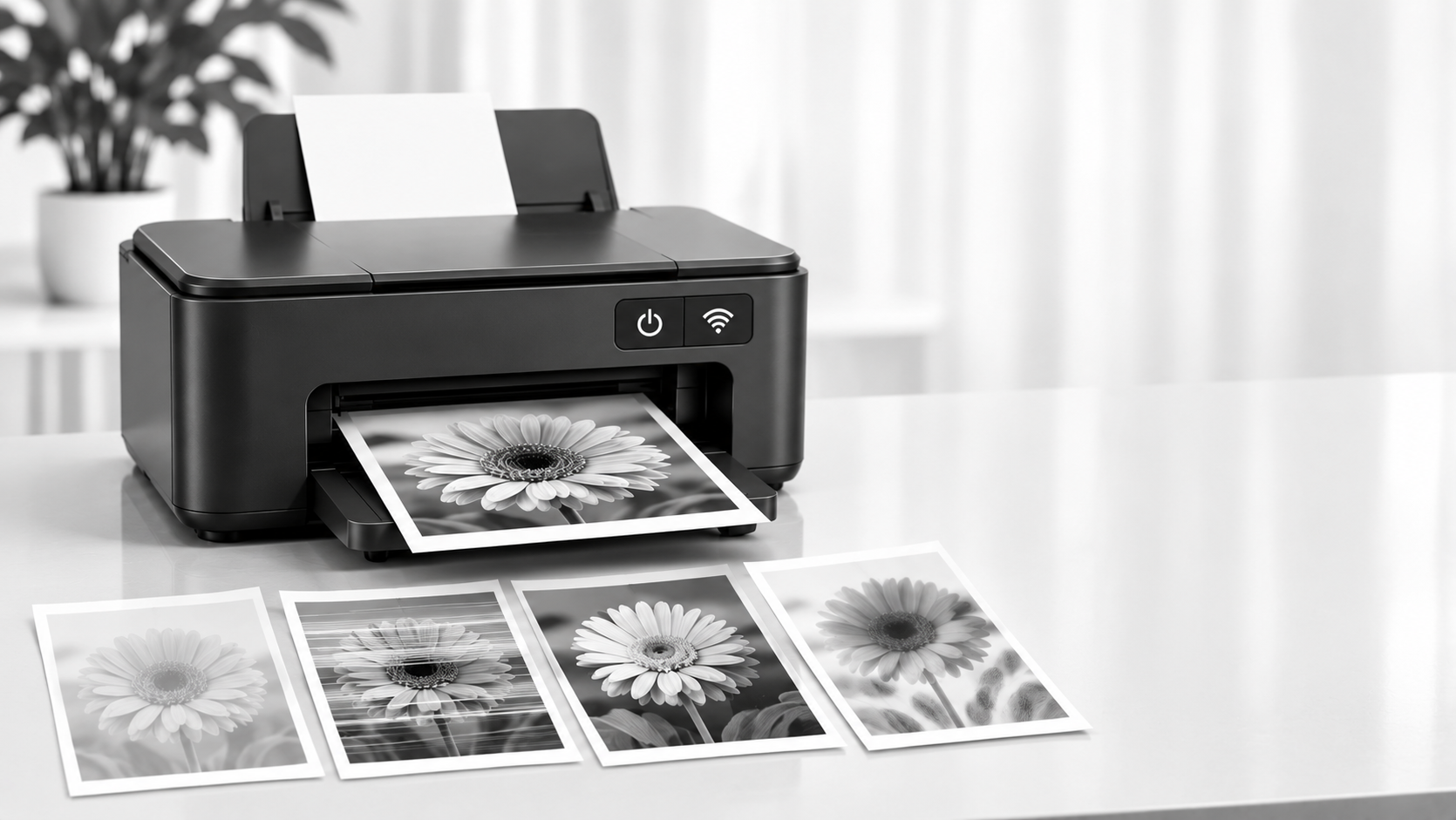
Fix Faded Prints, Streaks, Missing Colors, and Smudges
Troubleshoot faded prints, streaks, missing colors, and smudges using consistent samples, correct paper, and model-specific maintenance.
Printer Troubleshooting
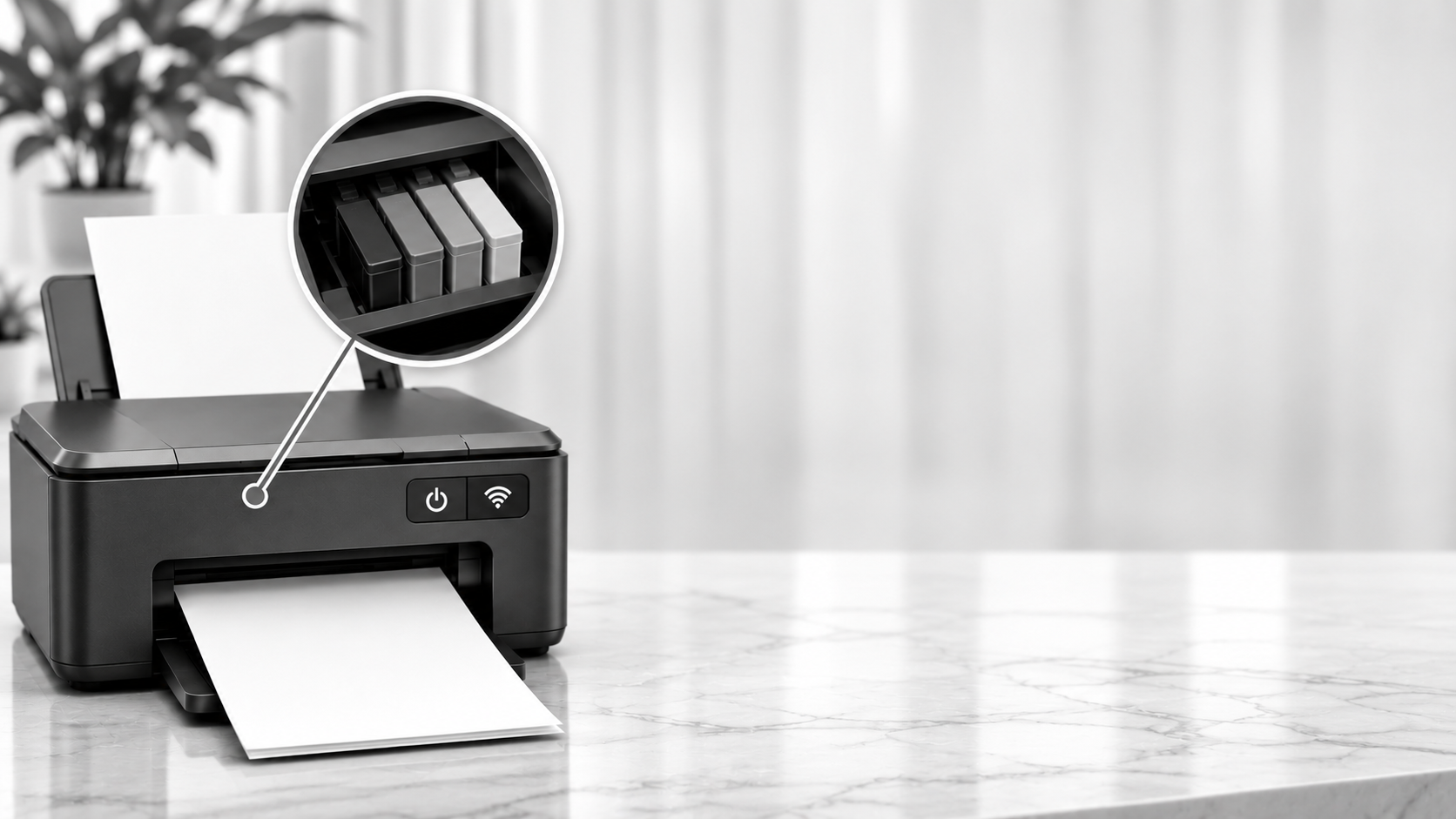
Printer Printing Blank Pages: Separate Supply Problems from File Problems
Diagnose blank printer pages by comparing local reports with computer output, then check document settings, supplies, and supported maintenance.
Printer Troubleshooting
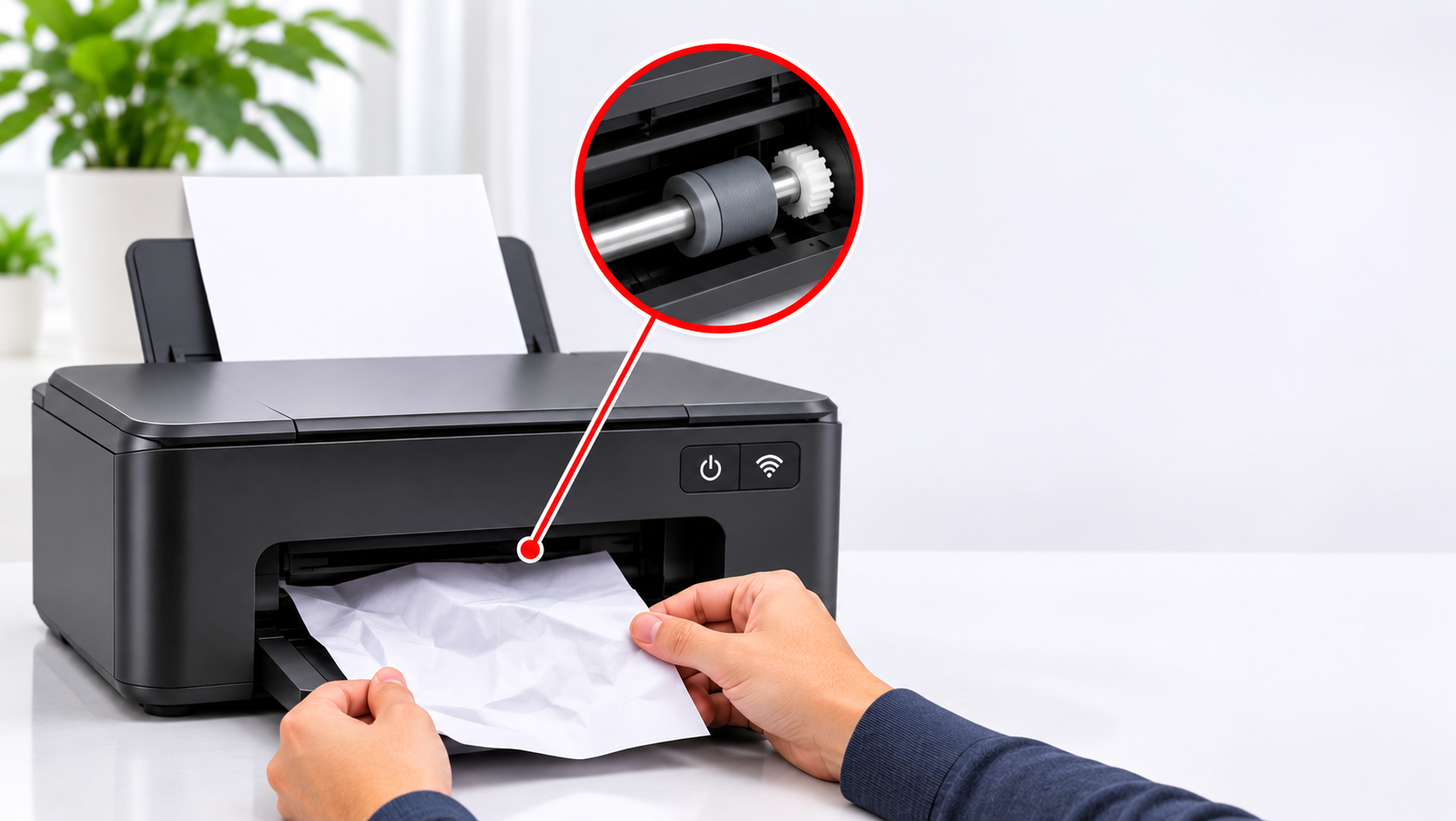
How to Clear a Printer Paper Jam and Stop It Returning
Clear a printer paper jam carefully, inspect supported access points, reload suitable paper, and investigate recurring feed or duplex problems.
Printer Troubleshooting
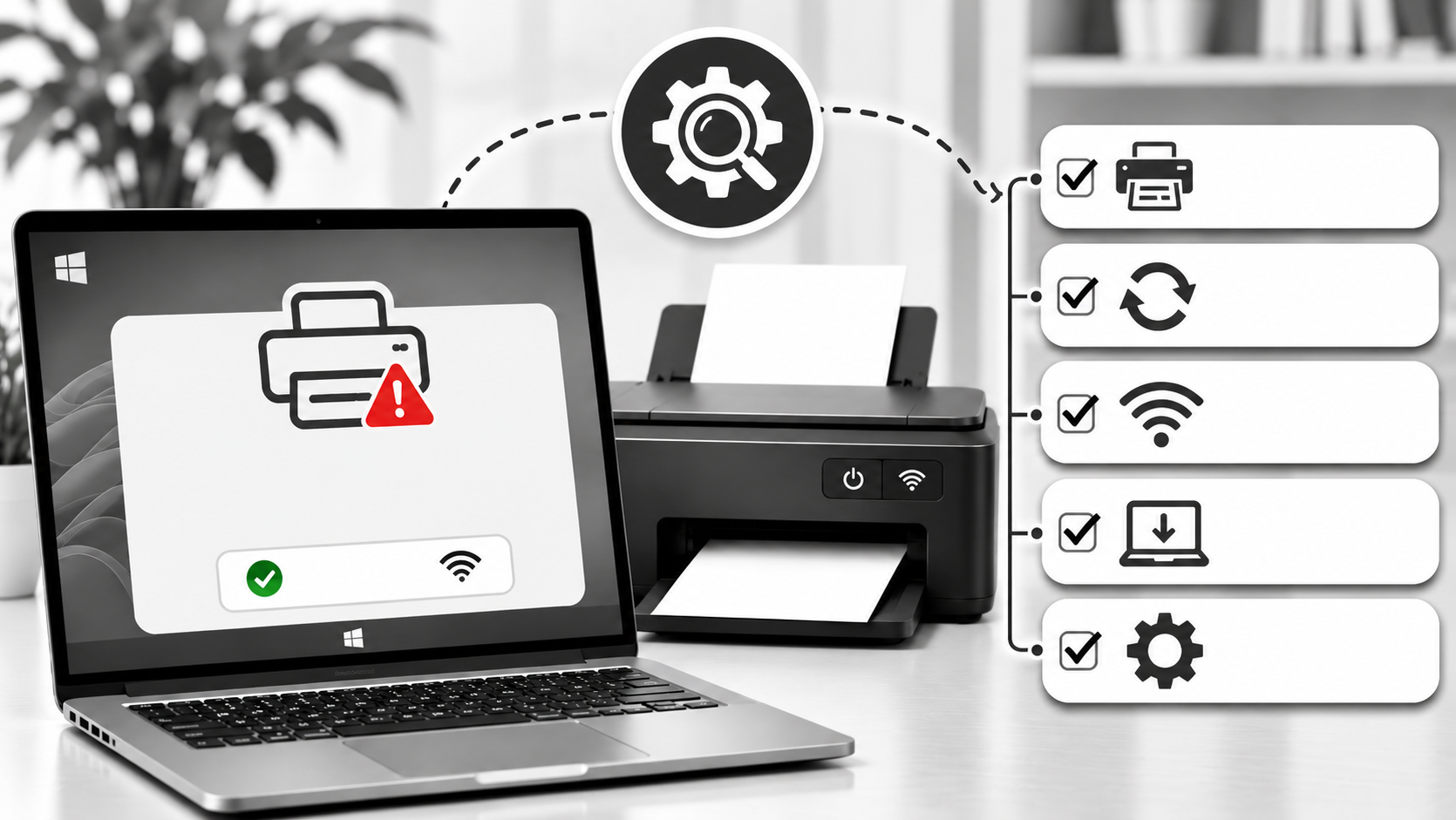
Printer Connected but Not Printing: A Step-by-Step Diagnosis
Diagnose a connected printer that will not print by following the job through the application, Windows queue, connection, and physical device.
Printer Troubleshooting
Print Job Stuck in the Queue: Clear It Safely in Windows
Clear a stuck Windows print job, understand spooler restarts and advanced cleanup, and identify documents that repeatedly block the queue.
Printer Troubleshooting
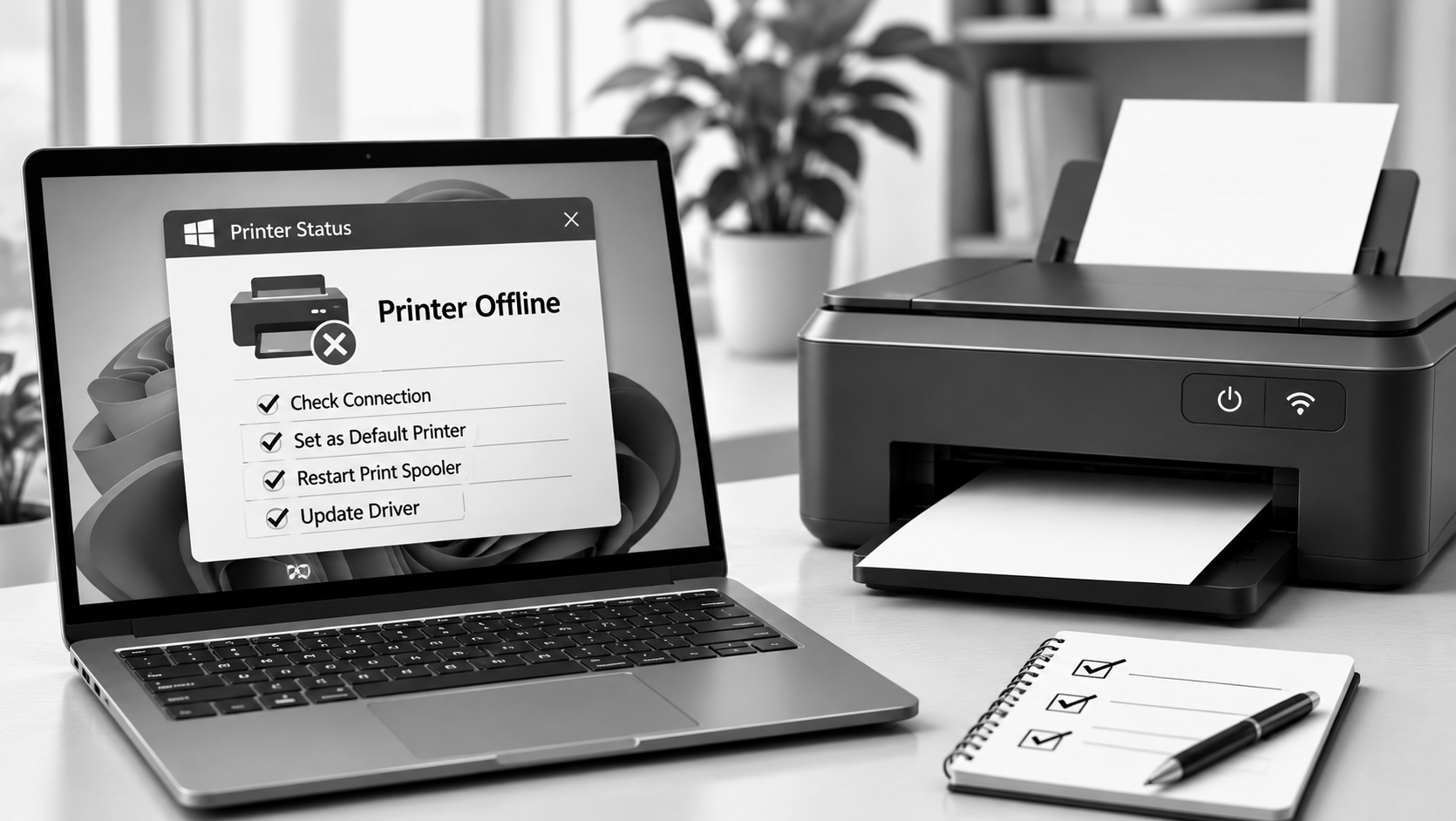
Printer Offline in Windows: Find the Cause and Get Back to Printing
Fix an offline printer in Windows by checking device errors, the active connection, queue selection, network addresses, and blocked jobs.