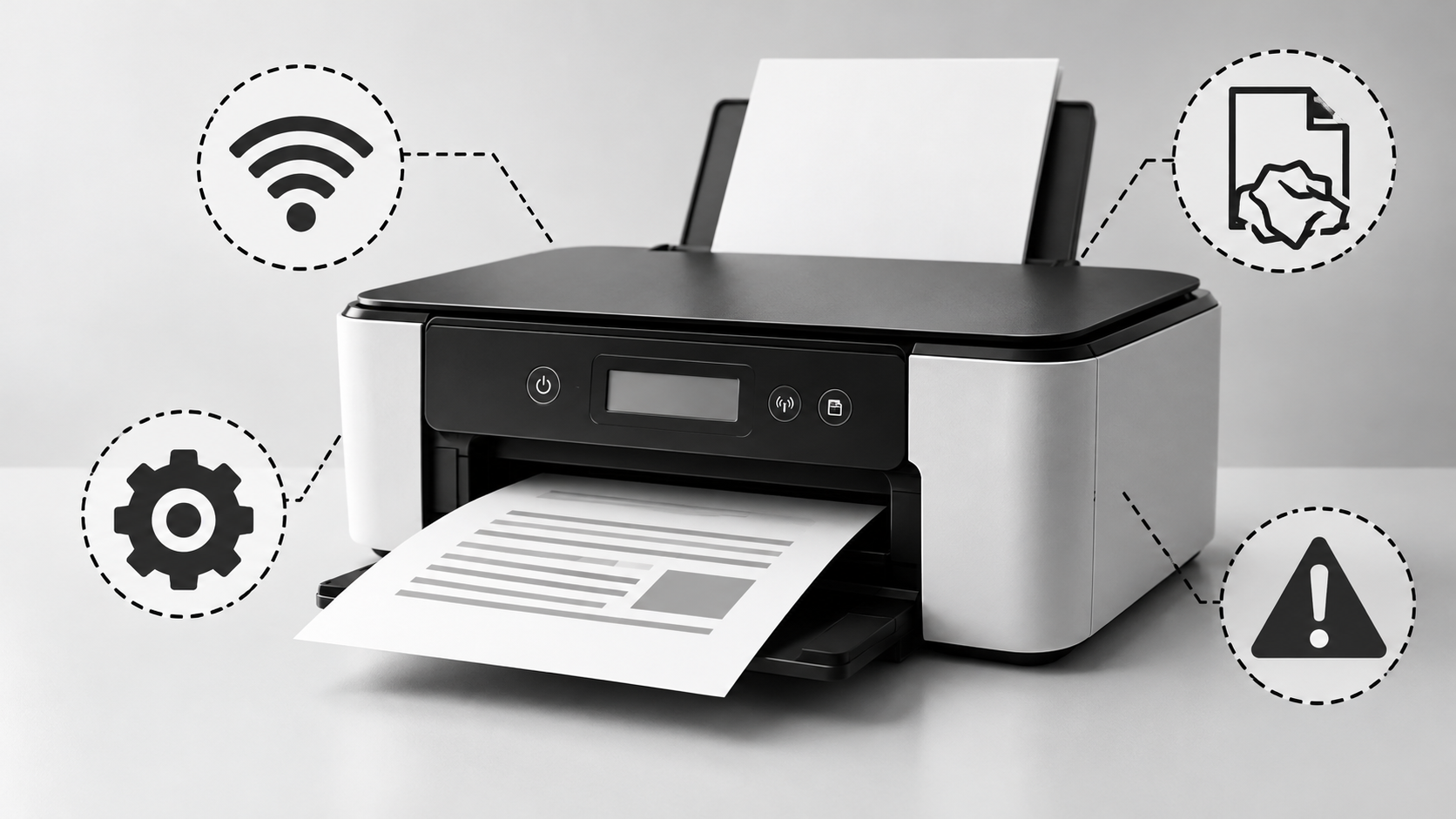
Printer Troubleshooting
Printer Troubleshooting: Complete Guide to Fix Common Printer Problems
Learn printer troubleshooting step by step. Fix offline printers, paper jams, Wi-Fi connection issues, driver errors, and common printing problems easily.
Setup Guides
New Printer Setup: How to Install a Printer Without a CD on Any Device
Learn how to set up a new printer on Windows and mobile. Connect your printer via Wi-Fi or USB, install drivers, and fix common setup issues.
Wi-Fi & Network Printing
Wi-Fi Printing: Complete Setup, Connection & Troubleshooting Guide
Learn WiFi Printing setup, connection methods, mobile and PC printing, WiFi Direct, and easy fixes for common wireless printer problems.
General
Wi-Fi Printer Problems: Common Issues and How to Fix Them
Learn how to fix Wi-Fi Printer Problems, including offline printers, connection issues, weak signals, driver errors, and wireless printing problems at home.
Setup Journal
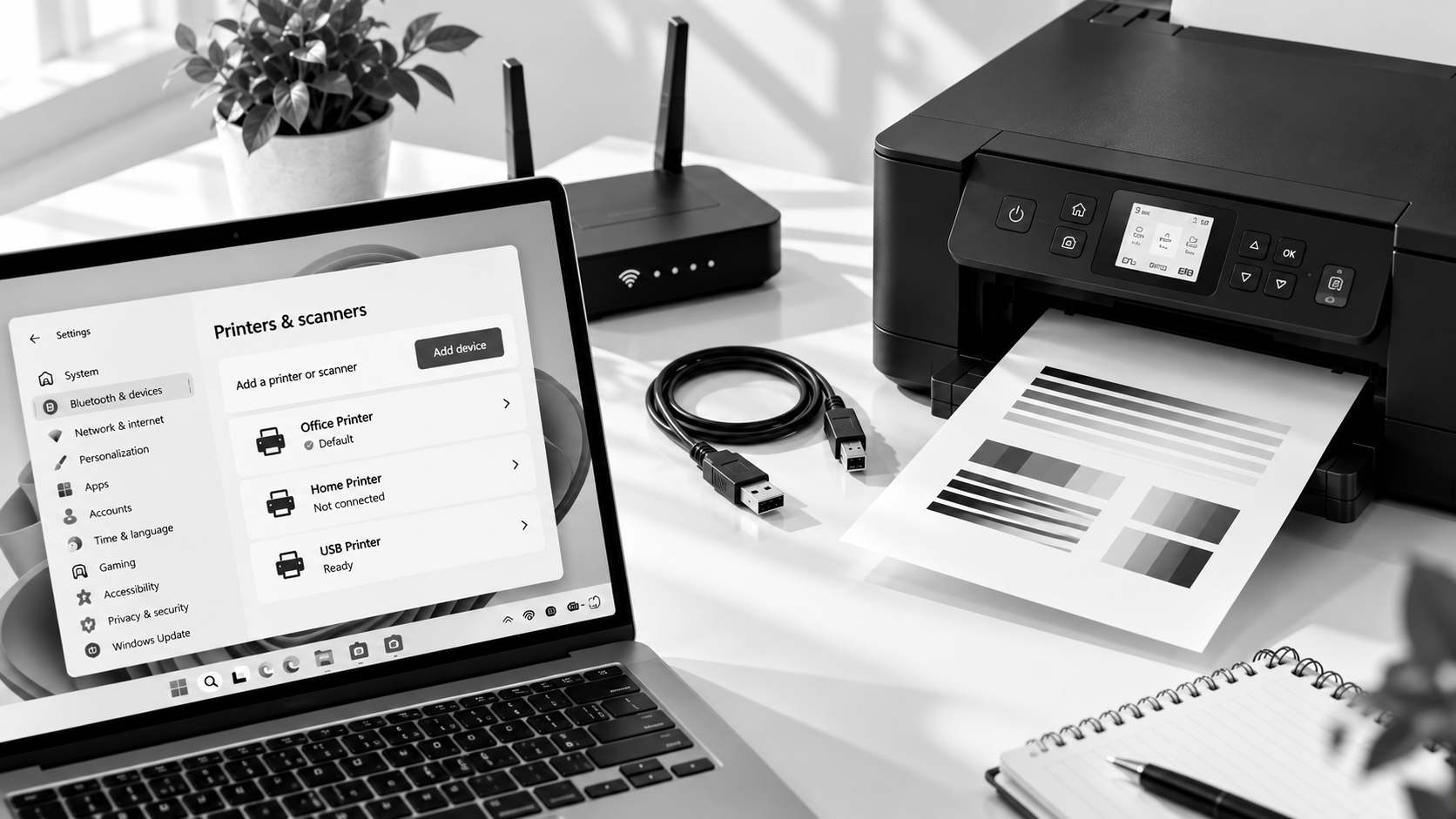
Printer Setup in Windows 11: Add, Select and Test
Learn printer setup in Windows 11 step by step. Add a USB or wireless printer, select the correct device, set it as default, update drivers, and print a test.
Setup Journal
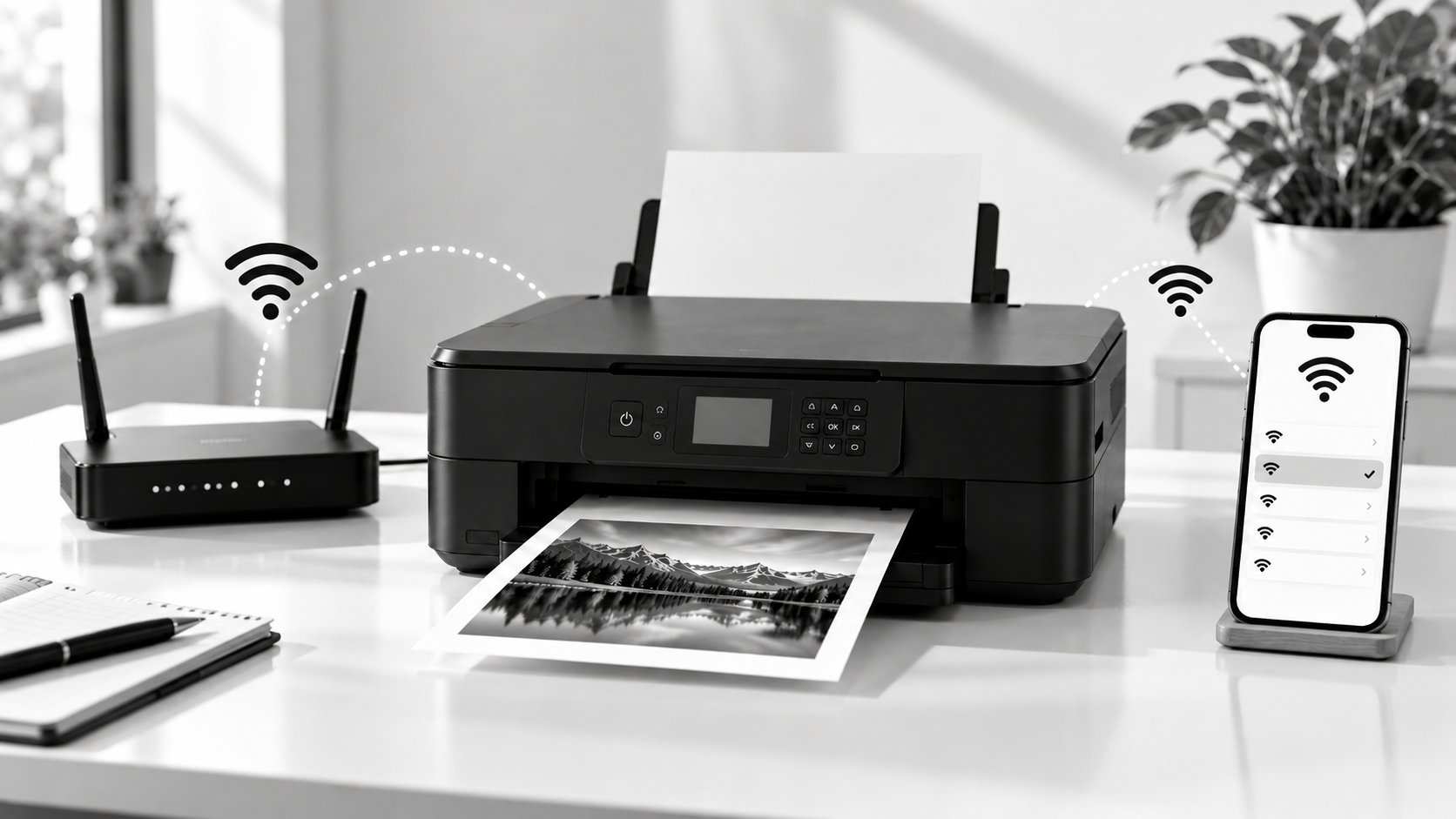
Wireless Printer Setup: Home Wi-Fi, Wi-Fi Direct and First Checks
Learn wireless printer setup for home Wi-Fi and Wi-Fi Direct. Follow simple steps to connect your printer and fix common connection issues.
How-to Guides
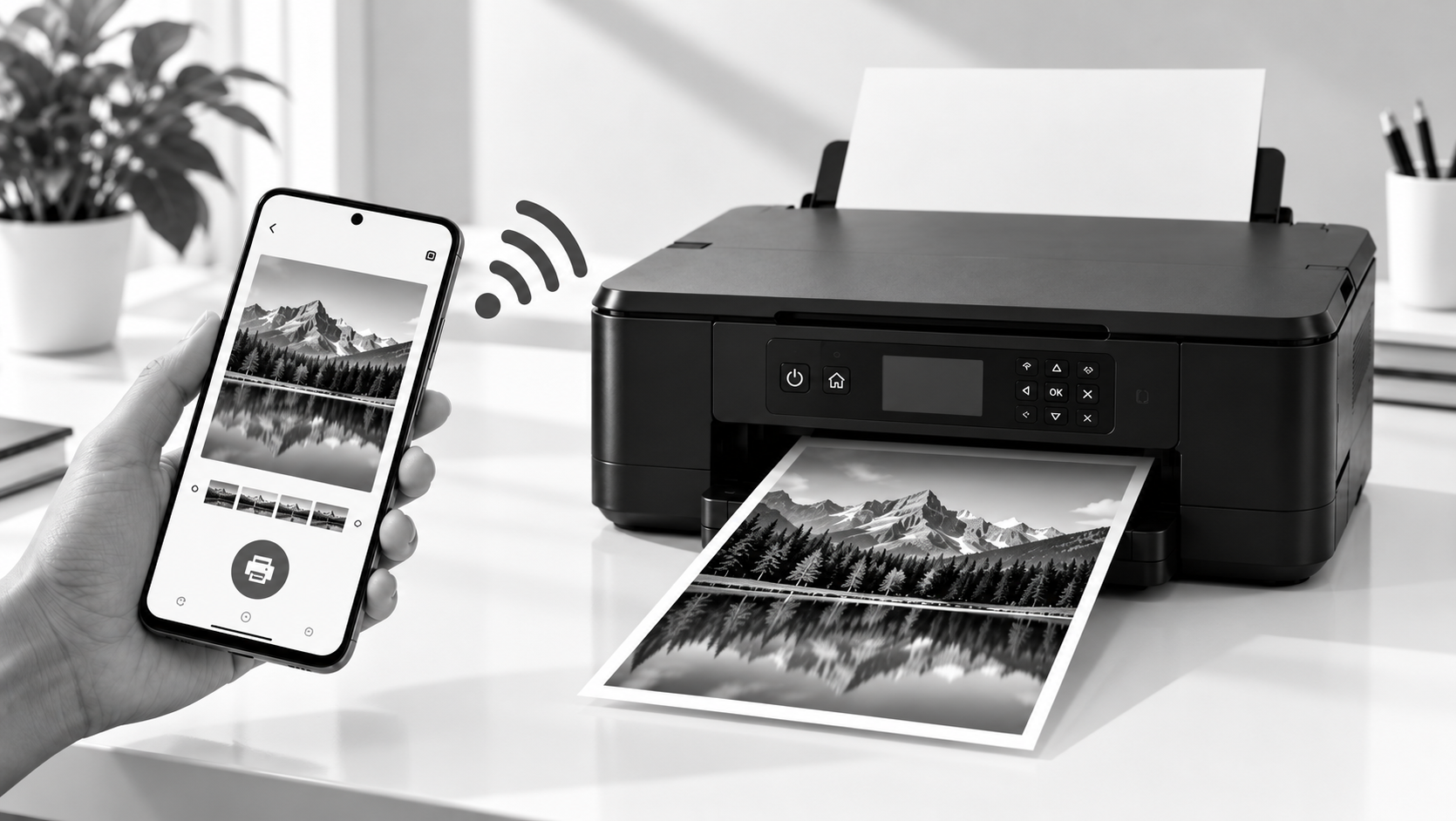
How to Connect Android Phone to a Printer
Learn how to connect Android phone to printer using Wi-Fi, Wi-Fi Direct, Default Print Service, or printer apps. Follow simple steps and troubleshooting tips.
How-to Guides
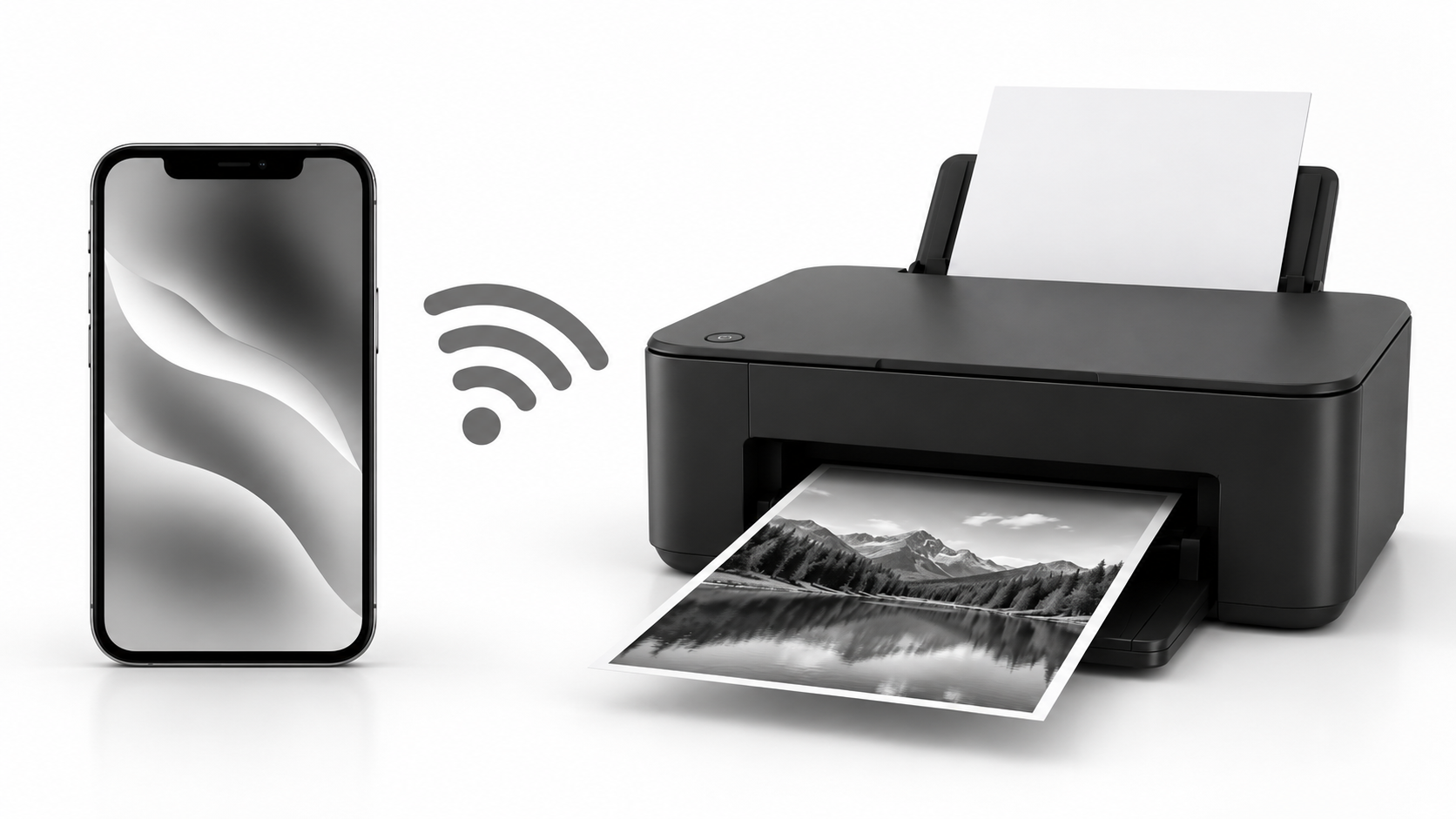
How to Print From iPhone to a Wireless Printer
Learn how to print from iPhone to printer using AirPrint, Wi-Fi, or printer apps. Follow easy steps to print photos, PDFs, emails, and documents.
How-to Guides
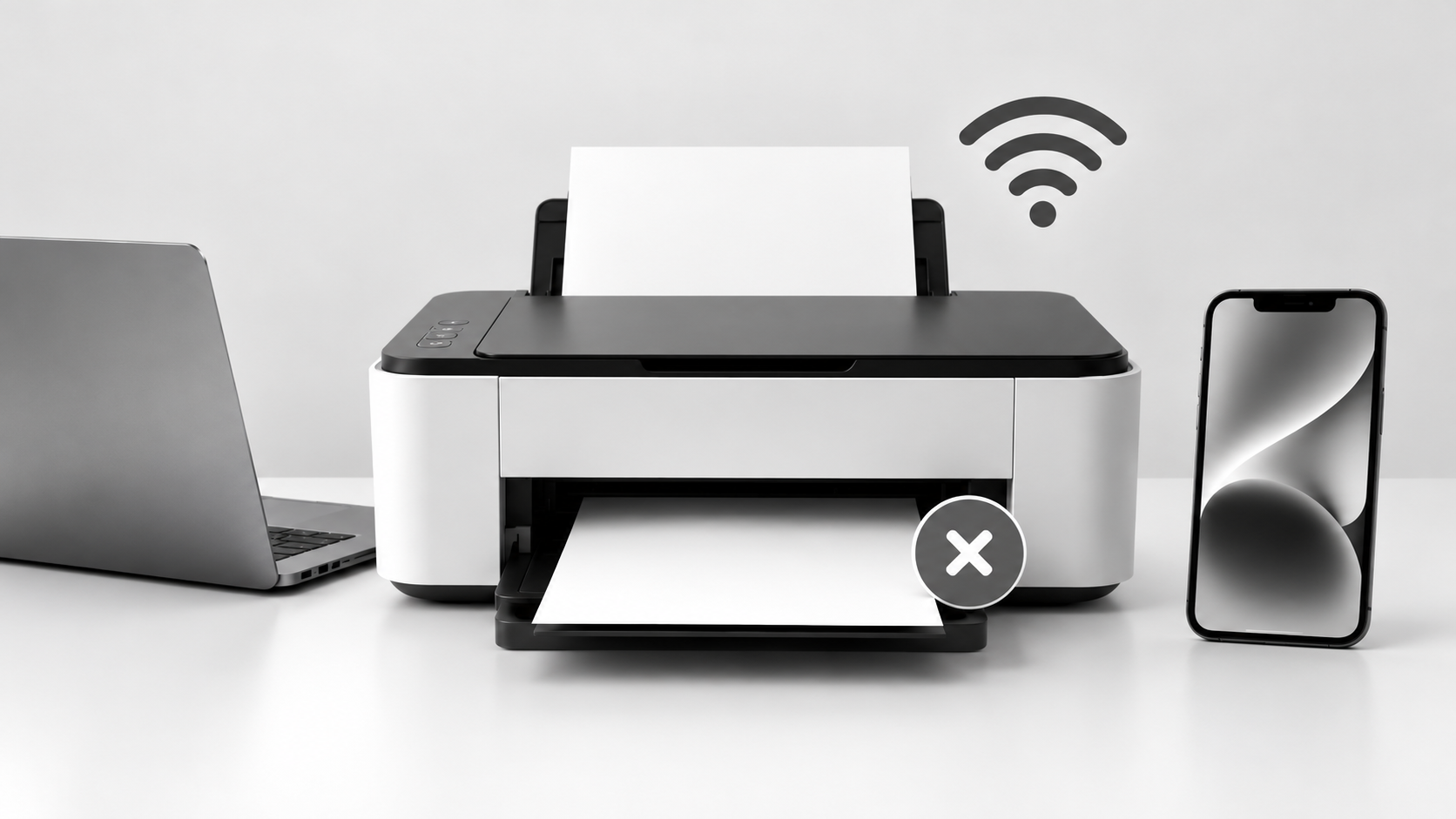
Printer Connected to WiFi but Not Printing? How to Fix It
Printer connected to WiFi but not printing? Learn how to fix print queue, driver, offline status, IP address and network issues with simple steps.